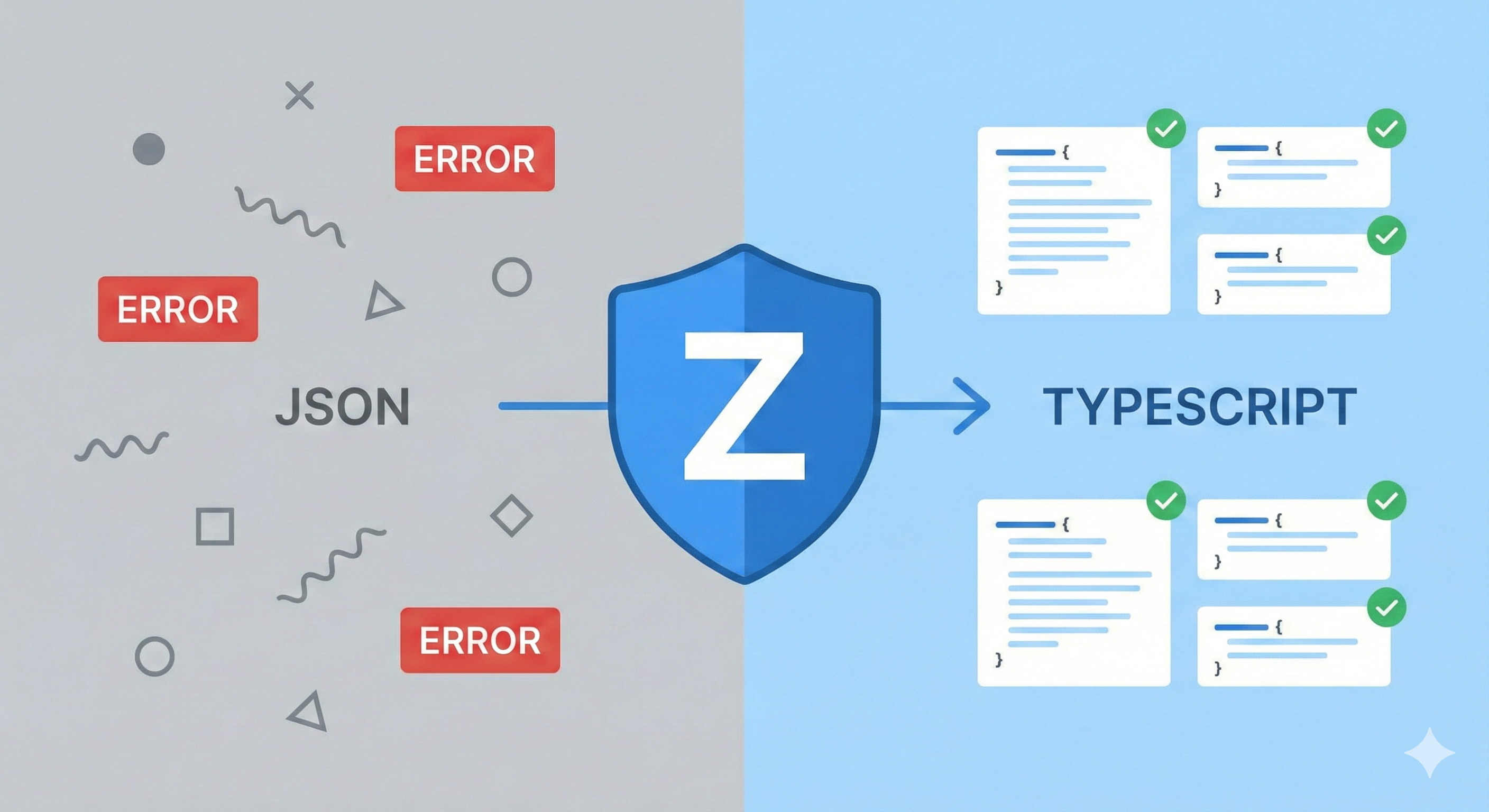
Zod: Bridging the Gap Between TypeScript and Reality
In this blog post, we will explore how to use Zod, a TypeScript-first schema declaration and validation library, to ensure that the data your application receives is exactly what you expect. By integrating Zod into your workflow, you not only enhance type safety but solve TypeScript’s limitation of only providing build time checks.
I want to show you how powerful Zod is and that it is not just a validation library for forms. By the end of this post, you’ll understand how to create robust data validation schemas, generate TypeScript types from those schemas, and handle validation errors gracefully.
The Problem with TypeScript Alone
TypeScript is very powerful for ensuring that your code adheres to specific types during development. However, it cannot validate data at runtime. This means that if your application receives unexpected data from an API or user input, TypeScript won’t catch it, potentially leading to runtime errors and bugs that can be difficult to diagnose and fix.
For example, consider an API that returns user data. Even if you define a TypeScript interface for the expected user object, there’s no guarantee that the API will always return data that conforms to that interface. If the API changes or returns malformed data, your application could break.
interface User {
  id: number;
  name: string;
  email: string;
}

async function fetchUser(userId: number): Promise<User> {
  const response = await fetch(`/api/users/${userId}`);
  const data = await response.json();

  // ⚠️ TypeScript assumes 'data' is a 'User', but it could be anything!
  return data;
}
To address this issue, we can use Zod to validate the data at runtime, ensuring that it matches our expected schema before we use it in our application.
Introducing Zod
Zod is a TypeScript-first schema declaration and validation library that allows you to define schemas for your data and validate them at runtime. It provides a simple and intuitive API for creating schemas, parsing data, and handling validation errors.
let’s continue with our example of fetching user data. We can define a Zod schema for the User object and use it to validate the data we receive from the API.
import { z } from 'zod';

const UserSchema = z.object({
  id: z.number(),
  name: z.string(),
  email: z.string().email(),
});

async function fetchUser(userId: number): Promise<User> {
  const response = await fetch(`/api/users/${userId}`);
  const data = await response.json();

  // Validate at the boundary
  const parsedUser = UserSchema.parse(data);

  return parsedUser; // Now 'parsedUser' is guaranteed to be correct at runtime.
}
this shows how Zod can be used to validate the data received from the API. If the data does not conform to the UserSchema, Zod will throw a validation error, allowing you to handle it appropriately.
One Source of Truth: Generating Types
One of the best parts of Zod is that you don’t need to write both a schema and an interface. You define the schema, and Zod gives you the type:
const UserSchema = z.object({
  id: z.number(),
  name: z.string(),
  email: z.string().email(),
});

type User = z.infer<typeof UserSchema>;
In this example, we define the UserSchema using Zod and then use z.infer to generate the corresponding TypeScript type User. This way, you only need to maintain a single source of truth for your data structure.
Handling Validation Errors
When using Zod to validate data, it’s important to handle validation errors gracefully. Zod provides detailed error messages that can help you understand what went wrong during validation.
try {
  const parsedUser = UserSchema.parse(data);
  return parsedUser;
} catch (error) {
  if (error instanceof z.ZodError) {
    console.error('Validation errors:', error.errors);
    // Handle validation errors (e.g., return a default value or show an error message)
  } else {
    throw error; // Re-throw unexpected errors
  }
}
Zod provides detailed error messages when validation fails. While .parse() works, it throws an exception. For a cleaner approach, 99% of the time you’ll want to use safeParse.
const result = UserSchema.safeParse(data);

if (result.success) {
  return result.data; // Fully typed and valid
} else {
  console.error('Validation errors:', result.error.errors);
  // Handle gracefully without crashing the app
}
Have an impact on day 1
If you want a quick win to show your team, try refactoring these two common pain points:
- Robust Environment Variables Prevent your app from starting if .env keys are missing or malformed:
import { z } from 'zod';

const EnvSchema = z.object({
  SOME_ANALYTICS_URL: z.string().url().optional(),
  PORT: z.string().transform((val) => parseInt(val, 10)).refine((val) => !isNaN(val), {
    message: 'PORT must be a valid number',
  }),
  NODE_ENV: z.enum(['development', 'production', 'test']),
});

// If any environment variable is missing or invalid, this will throw an error and prevent the app from starting
const envResult = EnvSchema.parse(process.env);

export const env = envResult;- Typed LocalStorage Stop guessing what is inside your user’s browser storage:
const UserSettingsSchema = z.object({
  theme: z.enum(['light', 'dark']),
  notificationsEnabled: z.boolean(),
});

function getUserSettings() {
  const settingsJson = localStorage.getItem('userSettings');
  if (!settingsJson) return null;

  const result = UserSettingsSchema.safeParse(JSON.parse(settingsJson));
  return result.success ? result.data : null;
}
Conclusion
Hopefully I have convinced you and shown you enough of the basics of Zod to have a dabble and add it to your toolkit. I often see Zod being used just for form validation, but as shown here, it is so much more than that. It can help you build a moat around your application data, catching bugs at runtime before they reach your UI.
By integrating Zod into your development workflow, you can ensure that your application handles data safely and reliably, providing a better experience for your users and reducing the risk of runtime errors. Give Zod a try in your next project and see how it can enhance your TypeScript applications!